
- Mission, Values & About Raj
- …
- Mission, Values & About Raj

- Mission, Values & About Raj
- …
- Mission, Values & About Raj

Welcome! Unlock Your VR Companion
Elevate your learning with the interactive VR.
What's Included in the VR Bundle Pack
- VR Teaching Guide
- Casting Step-by-Step Instructions
- VR App Instructions & Reflection Questions
- Bonus Reflection Activities & Worksheet
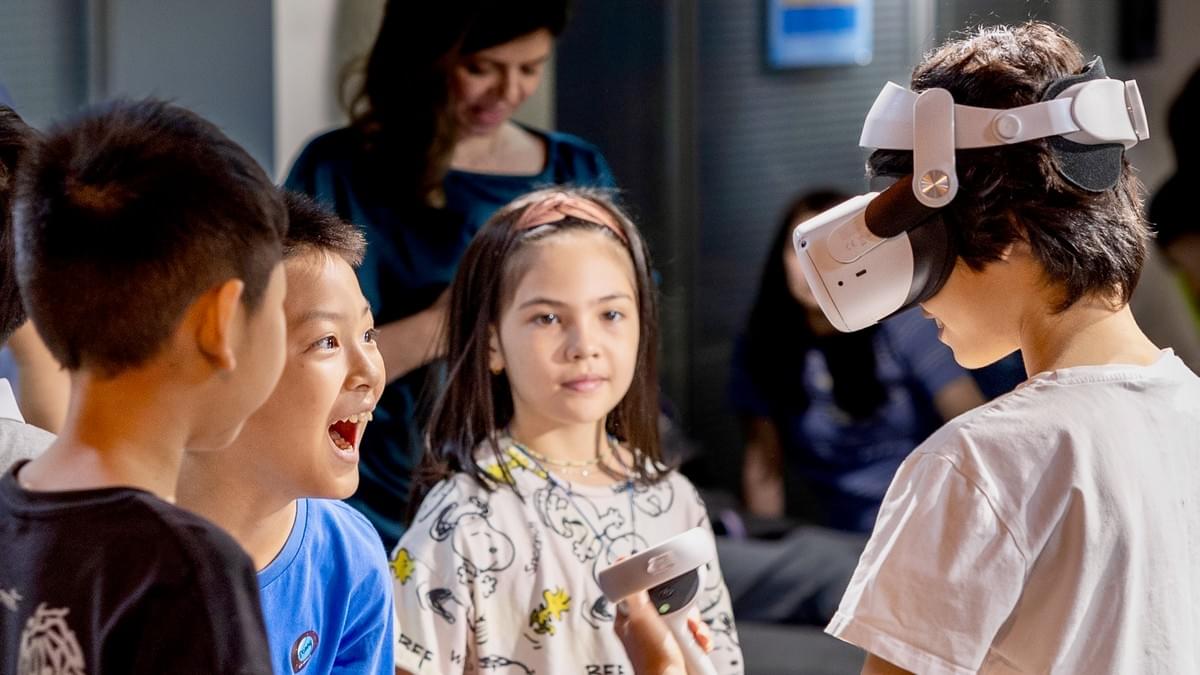
How Our Course Works
1Read Your Downloaded Story
Start the course with reading.
2Do the Activities
Choose one or two activities to enhance comprehension and language acquisition.
3Experience the Immersive VR
Download a recommended app and use our VR guide to complement the learning.
4Wrap Up with Discussions
Ask questions related to the book and the VR experience.
FAQs
Here are some frequently asked questions.
Do I need a VR headset to purchase this course?
No, VR is completely optional. Our courses can be completed without VR.
What do I need for the VR experience and where can I download VR apps?
You'll need a Meta Quest 2 (or newer) headset and controllers. Recommended apps can be downloaded from the Meta Quest App Store. The Internet is required for the initial download, but not during gameplay.
How much space do I need for VR in the classroom?
We recommend a clear 6 x 6 ft area per headset for standing play. If space is limited, VR can also be used in seated mode.
How do we choose the VR experience that accompany the story?
Our team carefully curates each VR experience to complement the book’s storyline and themes. We look for immersive elements that naturally connect with key moments in the story, so the virtual journey feels like an extension of the narrative. This way, students don’t just read about the adventure, they step into it.
What if my child is afraid or uneasy with the VR experience?
We know every child responds to VR differently. That’s why each VR bundle includes a backup app option with a different level of interactivity. While the backup app may not connect as directly to the story as the main VR app, we provide guiding questions and activities to help make the experience more relevant to the story.
We don't like too much screen time exposure. How do you handle this with the VR?
Our VR sessions are limited to short, focused bursts of about 10–20 minutes. This way, students enjoy the excitement of immersive learning without being overwhelmed or distracted by VR exposure. To keep the experience purposeful, we include reflection questions that guide students to focus on learning.
Yes, Unlock My VR Bonus!
Free Unlock. No Spam. Cancel Anytime.
© 2021, All Rights Reserved